How to Make Your WordPress Site Load Under 1 Second (2026 Ultimate Guide)
Website speed is no longer optional—it's critical. A slow website can hurt your rankings, increase bounce rate, and reduce conversions. If your WordPress site takes more than 2–3 seconds to load, you're already losing visitors. In this guide, you’ll learn proven strategies to make your WordPress site load under 1 second, even without advanced technical skills.

LogicWave It Solutions
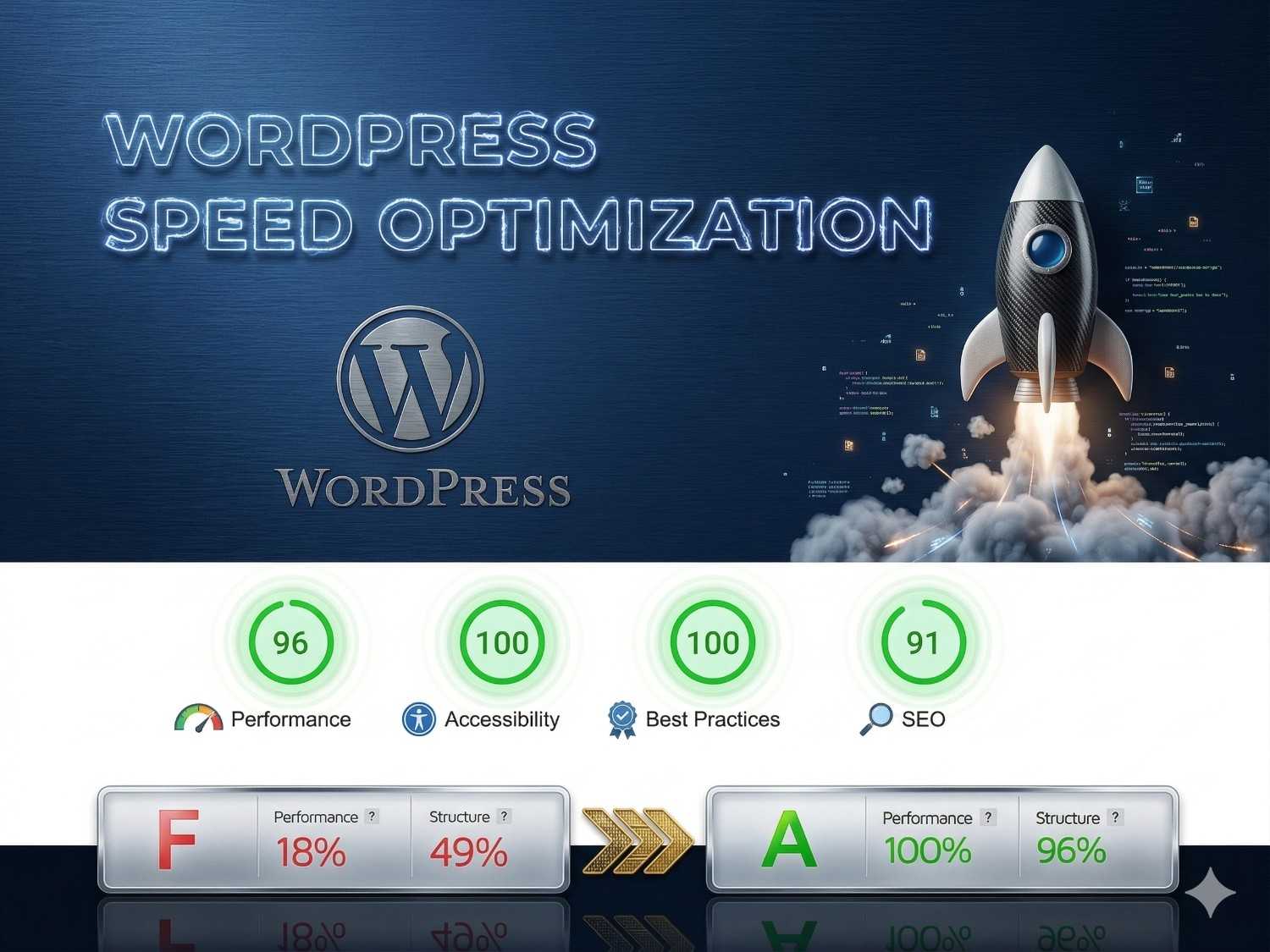
How to Make Your WordPress Site Load Under 1 Second
Website speed plays a crucial role in SEO, user experience, and conversions. A slow WordPress website can increase bounce rates and reduce rankings. In this guide, you’ll learn proven techniques to make your WordPress site load under 1 second and deliver lightning-fast performance.
Why WordPress Speed Matters
Fast-loading websites rank higher on Google, provide a better user experience, and increase engagement. Optimizing your WordPress speed helps improve Core Web Vitals and boosts conversions.
✅ Benefits of Fast Website
- Better Google rankings (SEO boost)
- Lower bounce rate
- Higher conversions & sales
- Improved user experience
❌ Problems with Slow Website
- High bounce rate
- Poor SEO rankings
- Loss of visitors & revenue
- Bad mobile experience
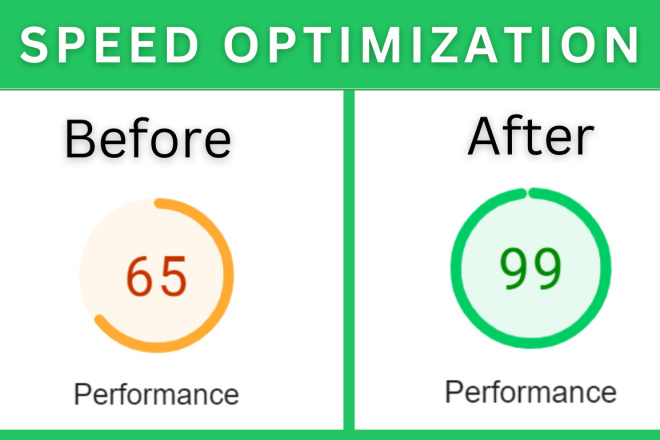
Key Steps to Make WordPress Load Under 1 Second
Follow these essential optimization steps to dramatically improve your WordPress website speed and performance.
⚡ Performance Optimization
- Use high-performance hosting (LiteSpeed/NVMe)
- Install a caching plugin
- Enable GZIP or Brotli compression
- Use a CDN like Cloudflare
- Optimize database regularly
🚀 Frontend Optimization
- Use a lightweight WordPress theme
- Optimize images (WebP + compression)
- Remove unused CSS & JS
- Limit unnecessary plugins
- Enable lazy loading
Common Mistakes to Avoid
- Using heavy themes with bloated code
- Uploading uncompressed images
- Installing too many plugins
- Ignoring hosting performance
Tools to Test Website Speed
Always test your website speed using reliable tools to ensure your optimization efforts are working effectively.
- Google PageSpeed Insights
- GTmetrix
- Pingdom Tools
“A fast website is not just about speed—it’s about better rankings, higher conversions, and a superior user experience.”
Final Verdict
- 👉 Optimize hosting, theme, and plugins for best speed
- 👉 Focus on performance + user experience together
- 👉 Aim for under 1-second load time for best results


Recent Posts

How to increase WooCommerce sales
LogicWave It Solutions • March 23, 2026

How to secure WordPress website
LogicWave It Solutions • March 23, 2026

Custom Theme vs Pre-Built Theme – Which Should You Choose?
LogicWave It Solutions • March 22, 2026

Simple Ways to Fix WordPress Not Sending Emails
LogicWave It Solutions • March 18, 2026