Simple Ways to Fix WordPress Not Sending Emails

LogicWave It Solutions
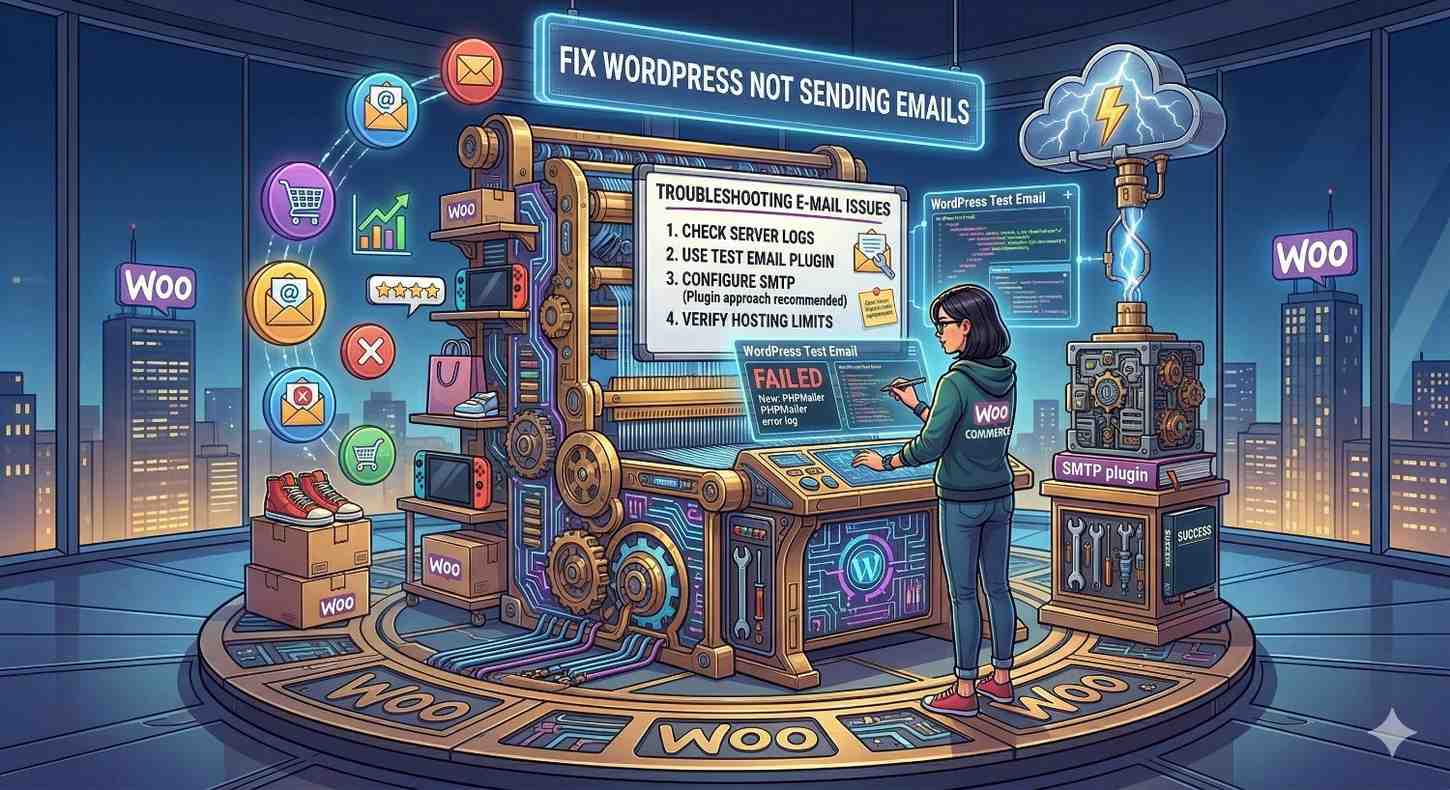
1. Understand Why WordPress Emails Fail
By default, WordPress uses the PHP mail() function to send emails, which is often unreliable on many hosting servers. Emails may not be properly authenticated, causing them to go to spam or not be delivered at all. Understanding this limitation is important before applying a proper fix using SMTP or external email services.
2. Install an SMTP Plugin
The most effective way to fix email issues is by using an SMTP plugin. SMTP ensures emails are sent through a proper mail server with authentication. Popular plugins make it easy to connect your site with Gmail, Outlook, or other email providers, improving delivery and reliability.
3. Configure SMTP Settings Correctly
After installing an SMTP plugin, you need to configure it with correct settings such as SMTP host, port, encryption type, and login credentials. Using the right configuration ensures your emails are authenticated and not blocked by spam filters. Always double-check details provided by your email provider.
4. Use a Professional Email Address
Sending emails from a generic or mismatched email address (like Gmail from your domain) can cause delivery issues. Always use a domain-based email address such as info@yourdomain.com. This improves trust, authentication, and overall email deliverability.
5. Check Spam Folder and Email Logs
Sometimes emails are sent but end up in the spam folder. Check your spam or junk folder first to confirm delivery. You can also enable email logging in your SMTP plugin to track whether emails are being sent successfully from your website.
6. Fix Contact Form Issues
Many times the issue is not WordPress itself but the contact form plugin configuration. Ensure your form is using the correct “From” and “Reply-To” email addresses. Also, test your form after making changes to confirm emails are being received.
7. Check Hosting Email Restrictions
Some hosting providers block or limit PHP mail functionality to prevent spam. Contact your hosting provider to confirm whether email sending is restricted. In such cases, using SMTP becomes even more important to bypass these limitations.
8. Authenticate Your Domain (SPF, DKIM, DMARC)
Email authentication records like SPF, DKIM, and DMARC help verify that your emails are legitimate. Without these, emails are more likely to be marked as spam or rejected. Add these DNS records through your hosting or domain provider to improve email delivery rates.
9. Test Email Sending Functionality
After setting up SMTP and making changes, always send a test email to verify everything is working correctly. Most SMTP plugins provide a built-in test feature. This helps ensure your configuration is correct before relying on it for important notifications.
10. Use Reliable Email Services
For better reliability, consider using professional email services like Gmail SMTP, SendGrid, or Mailgun. These services are designed for high deliverability and can handle large volumes of emails efficiently, making them ideal for business websites.


Recent Posts

How to increase WooCommerce sales
LogicWave It Solutions • March 23, 2026

How to secure WordPress website
LogicWave It Solutions • March 23, 2026

Custom Theme vs Pre-Built Theme – Which Should You Choose?
LogicWave It Solutions • March 22, 2026

Simple Ways to Fix WordPress Not Sending Emails
LogicWave It Solutions • March 18, 2026